
Your first product is already in your client files. Pick it this afternoon.
One payment. Instant access. A Notion page you copy plus a printable PDF.
From two coaches with more than 20 years each in People Analytics and enterprise sales.
Plus three free bonuses, included with your order.Scroll down to see them
By the end of one afternoon you're holding your first product, picked: one piece of client work you've already delivered, a format, a rung, and a real Saturday next to it. Nine short sections get you there, one thing to write in each, about two hours in all.
You already know what to make. You've made it ten times.
Somewhere on your laptop there's a folder. It's called "course," or "the thing," and it hasn't moved since spring. You open it about once a quarter, scroll past the unfinished modules, and close it again before the guilt settles in.
The real product has been sitting in a different folder the whole time. The one with your client files in it. The intake sheet you've rebuilt for every new client. The question you answer in under a minute because you've explained it a hundred times. The check-in template three clients asked to keep.
Maybe you asked ChatGPT for digital product ideas for coaches and got a list that could belong to anyone with a certificate. Maybe you bought the course about making a course, and it's the one lesson uploaded to the platform you're still paying for. Neither one has seen your client files, so neither one can point at the row that's already done.
You're not short on knowledge. You've bought four programs on this and you could teach most of them back. What kept the course in the folder isn't discipline. You picked the biggest possible version of the thing, and then blamed your calendar. Waiting for a free week feels responsible. It's a stall in a nice outfit.
This isn't a time problem, it's a scope problem.
We're Coach Shayla and Coach Carlton, and we built the Finder to do one small thing well: put your client work in a table, ask each piece a few plain questions, and let one row pick itself. Not the impressive one. The one that already exists and fits a weekend.

Does this sound like your week?
- Back-to-back calls until four, then admin, then the post you meant to write on Tuesday.
- A course platform you're still paying for, with one lesson uploaded.
- A client asks the same question a third client asked last month, and you answer it in under a minute.
- A slow month lands and you feel it in your chest, because nothing sells while you're not on a call.
- You've thought "I should have something passive," then felt a little embarrassed, because you've heard it sold so badly.
The problem isn't that you haven't tried. It's that every version you've pictured is the biggest one, and every program you've bought asks for a free week you're never going to get.
So it's tempting to keep waiting for the calendar to open up. But an open week doesn't shrink the idea. A year from now you could have more clients, another program on the shelf, and the same folder called "course," and still have nothing that sells while you're not on a call.
You don't need a bigger plan, a better platform, or a free week you're never going to get. You need one piece of client work, picked on purpose, with a date next to it.
One row, picked and dated
Before you buy another program, pick a platform, or wait for a free week, put the client work you've already done in one table and let the smallest sellable piece pick itself.
The Finder table does the sorting for you. Every piece of client work you've delivered gets a row, and the columns ask the questions: who it was for, what they need, the format that fits, whether it fits a weekend, whether it's already in your files, and its rung. One row has Pick checked. Next to it, a real Saturday.
That row is the thing you build next weekend. Every product after it starts the same way, from work you've already done. The first one proves your knowledge stands on its own without you on the call.
What it isn't: a course outline, a niche quiz, or a tool recommendation. Nothing in the Finder asks you to invent anything.
It also asks nothing of your calendar beyond one afternoon and one weekend. No platform to choose, no audience to build first, no launch. You're picking from work that already exists, which is why this one gets finished.
Here's how the Finder works
Buy it, open it
The email lands with two links: a Notion page you duplicate in one click, and a PDF you can print.
Work the nine sections in order
Tuesday at two, client folder open, Section 1 on the screen: one sentence about the day your business stops running through your calendar, and the first one is done. Each one is ten to fifteen minutes and ends with one thing to write. The Finder table, section five, takes about twenty. Stop there and come back tomorrow if you need to.
Pick one row and date it
If the row you keep circling is bigger than a weekend, cut it to a quarter of its size and ship that quarter. Everything else on the table waits its turn.
Notice, along the way:
- By Section 3, the course in the folder has a smallest useful piece, and it's a template or a checklist, not twelve modules.
- By Section 5, your client work is in one table, and two questions have settled almost every row.
- By Section 9, you can say in one line whether the pick points at getting your hours back or at the impressive thing.
Everything inside the Client-Work-to-Product Finder
Nine short sections, one thing to write at the end of each. Not a folder of information. One tool you finish.
What this Finder is for
You decide what the product is for before you decide what it is. One sentence about the day your business stops running through your calendar, and every choice after this gets checked against it.
What's kept it in the folder
The folder stops being proof that you don't finish things. Scope, permission, or exposure: you name the one that's true, without shame, and write the smallest version that would still count.
How small a product can be
A weekend becomes enough. A template sells, a checklist sells, a twenty-page workbook sells, and you find the weekend-sized shape of the idea in the folder.
The thing you explain most often
"Who am I to charge for this" gets something concrete to argue with. The answer that comes fast for you is the thing your clients would pay to stop guessing about, and you write it down in the words you use on calls.
The Finder
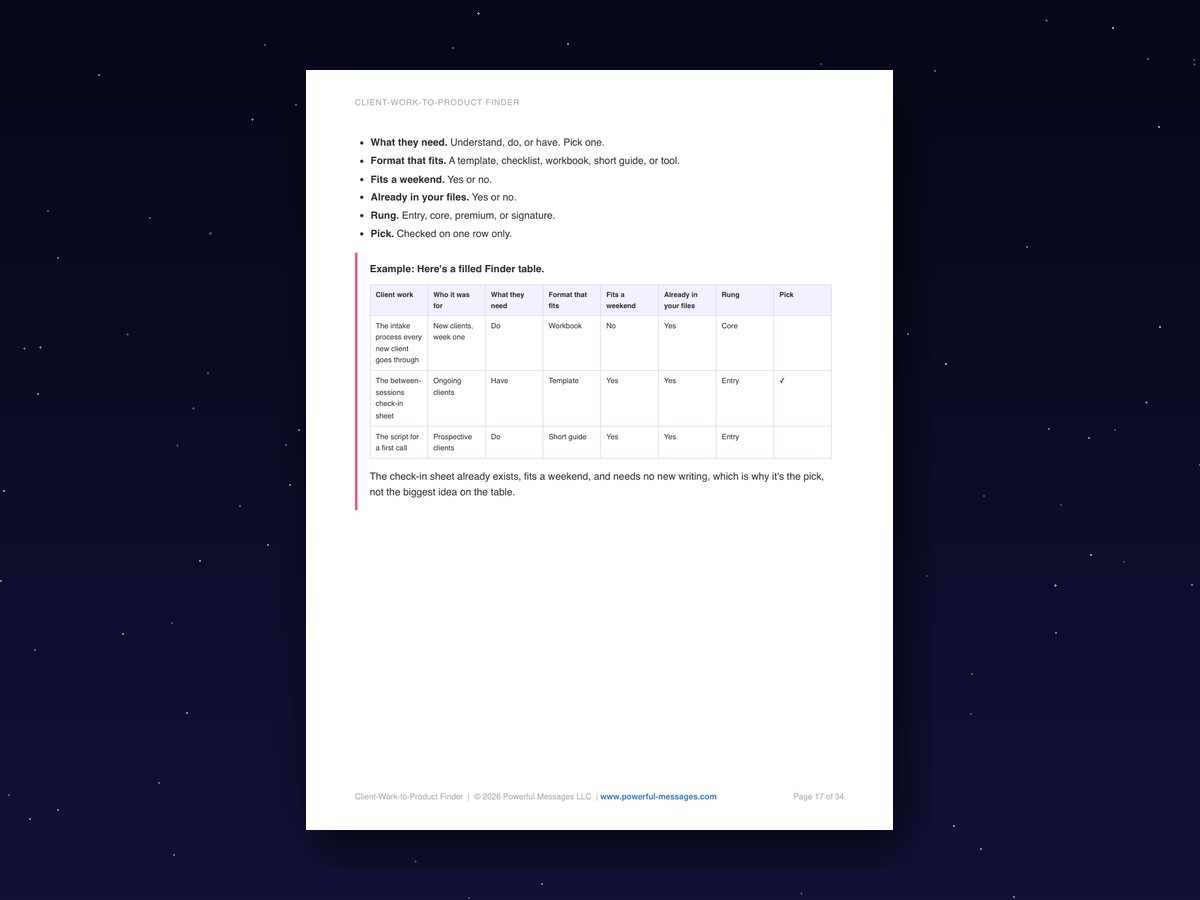
"What product should I make" turns into "which piece of client work goes first," which has an answer. The eight-column table: client work, who it was for, what they need, format that fits, fits a weekend, already in your files, rung, pick. Two questions settle almost every row.
Who you're becoming
You're not becoming a course creator. You're becoming the coach who ships one small thing from work that already exists. One sentence, kept for after you do.
Pick one and date it
Next Saturday has a job, and the other ideas stop competing for it. One row gets the checkmark, a too-big idea gets cut to a quarter, and the date is a real weekend, not "soon."
What the pick opens
You know who to tell first and what comes after. The twenty people who already know your work, and the row on your table that would sell next.
Check it against your sentence
You build the thing that gets your hours back, not the one that sounds good in a room full of coaches. Does the pick point at your sentence or at the impressive thing? One honest line, dated.
Your own Notion copy
One click on the Duplicate icon puts the whole page in your workspace. Every answer feeds a summary at the bottom, with a Done box per section.
Printable PDF
Attached at the top of the page. Same nine sections, the Finder as a fill-in table, ruled space to write.
Take a look inside
Press play for a quick look inside.
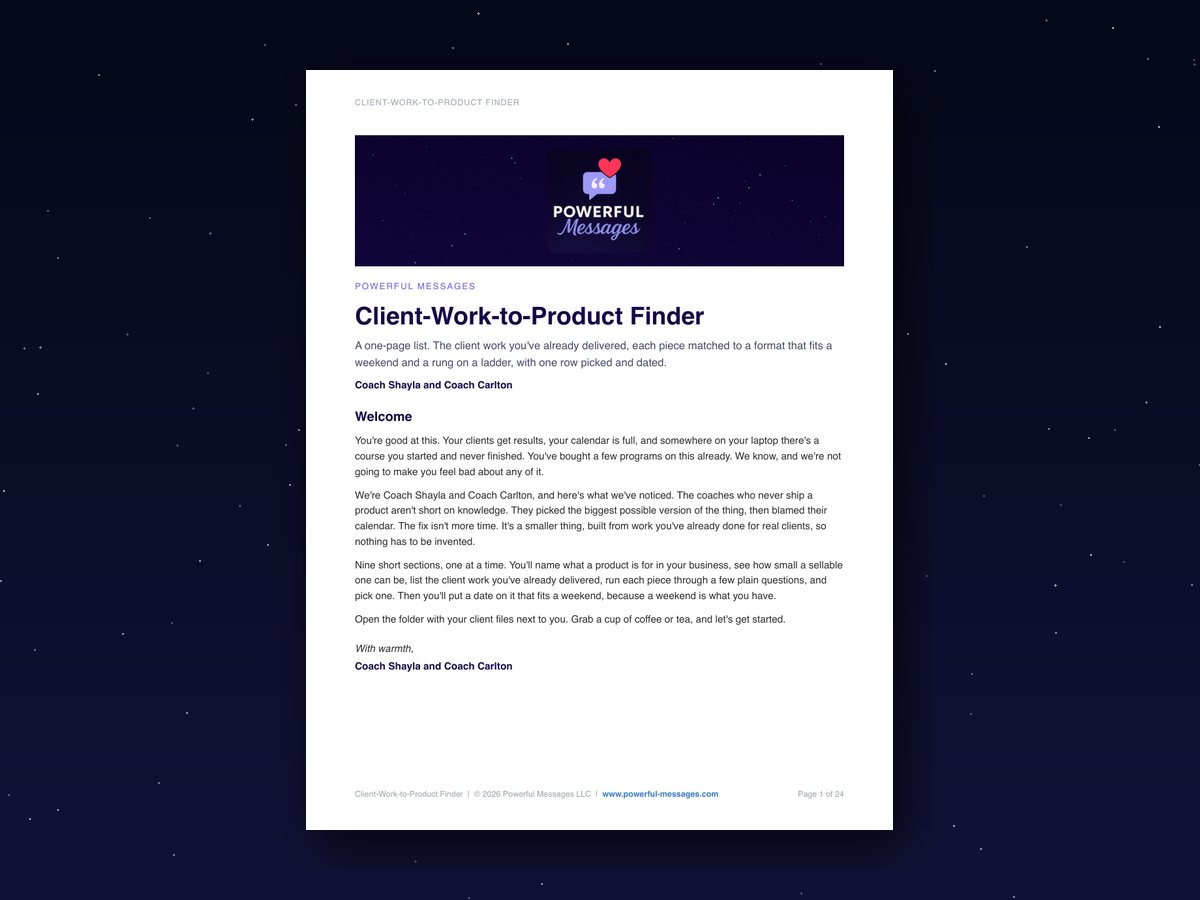
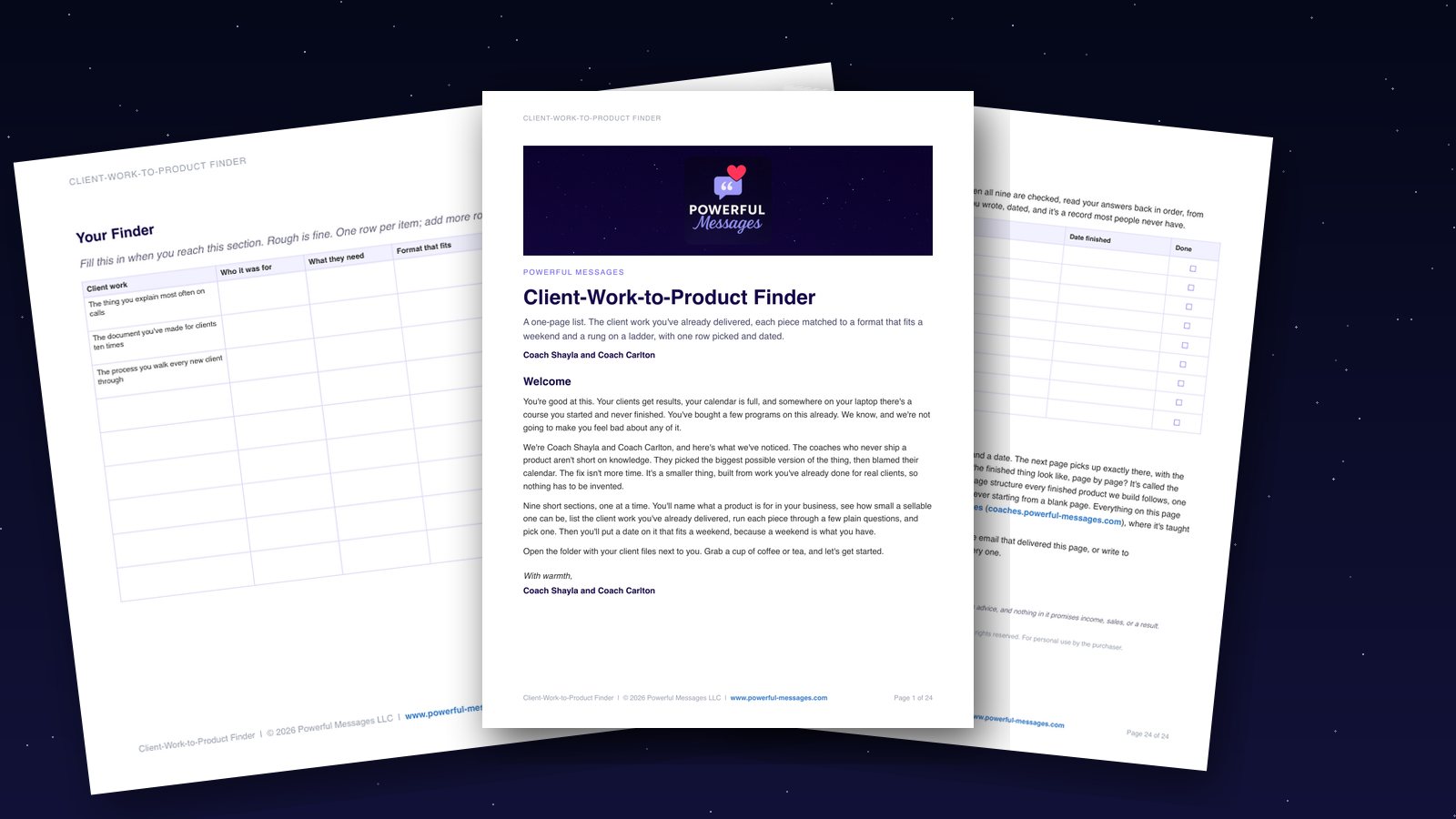
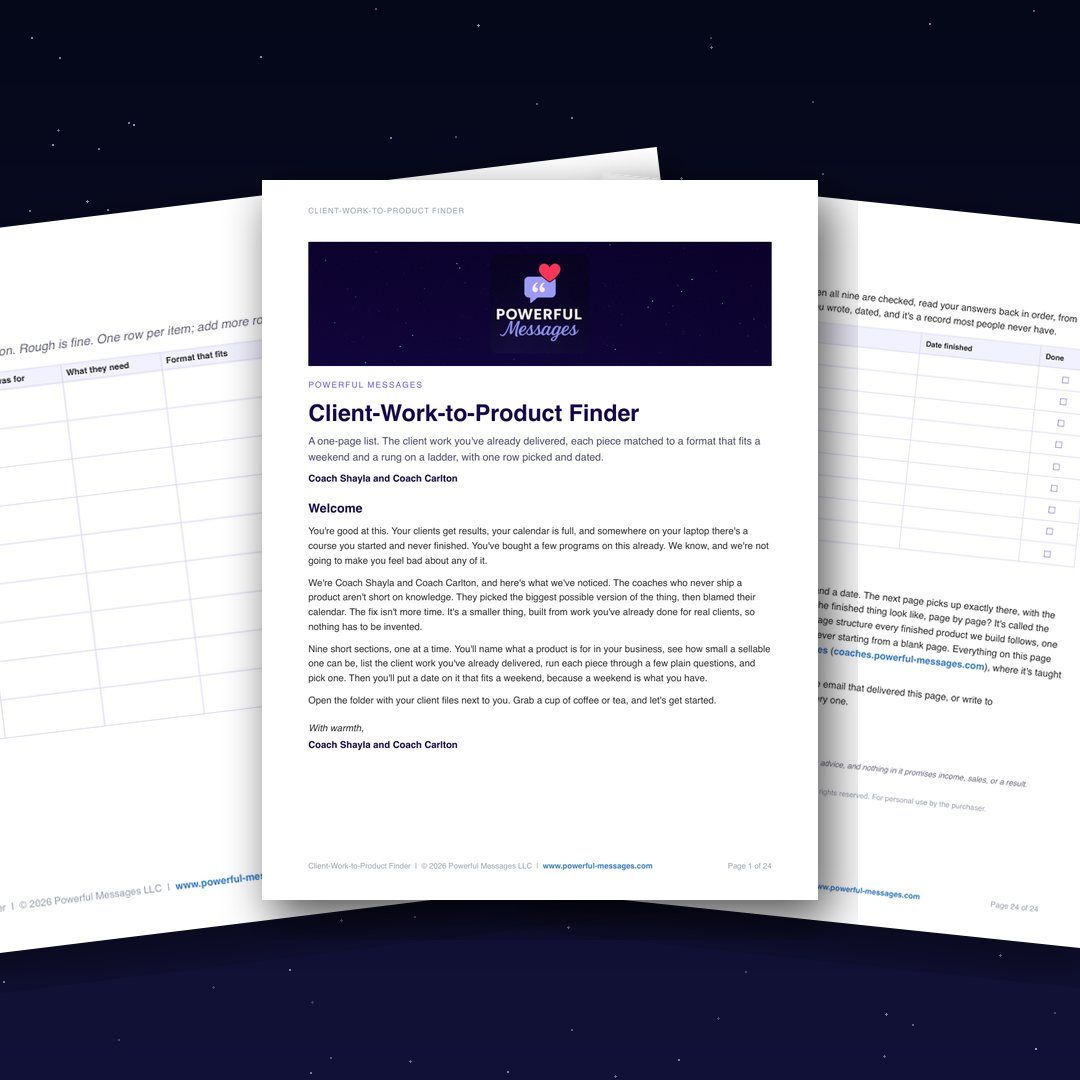
The cover and welcome page. It opens by saying we're not going to make you feel bad about the folder.
The Finder, filled in as an example. The pick isn't the biggest idea on the table. It's the one that already exists.
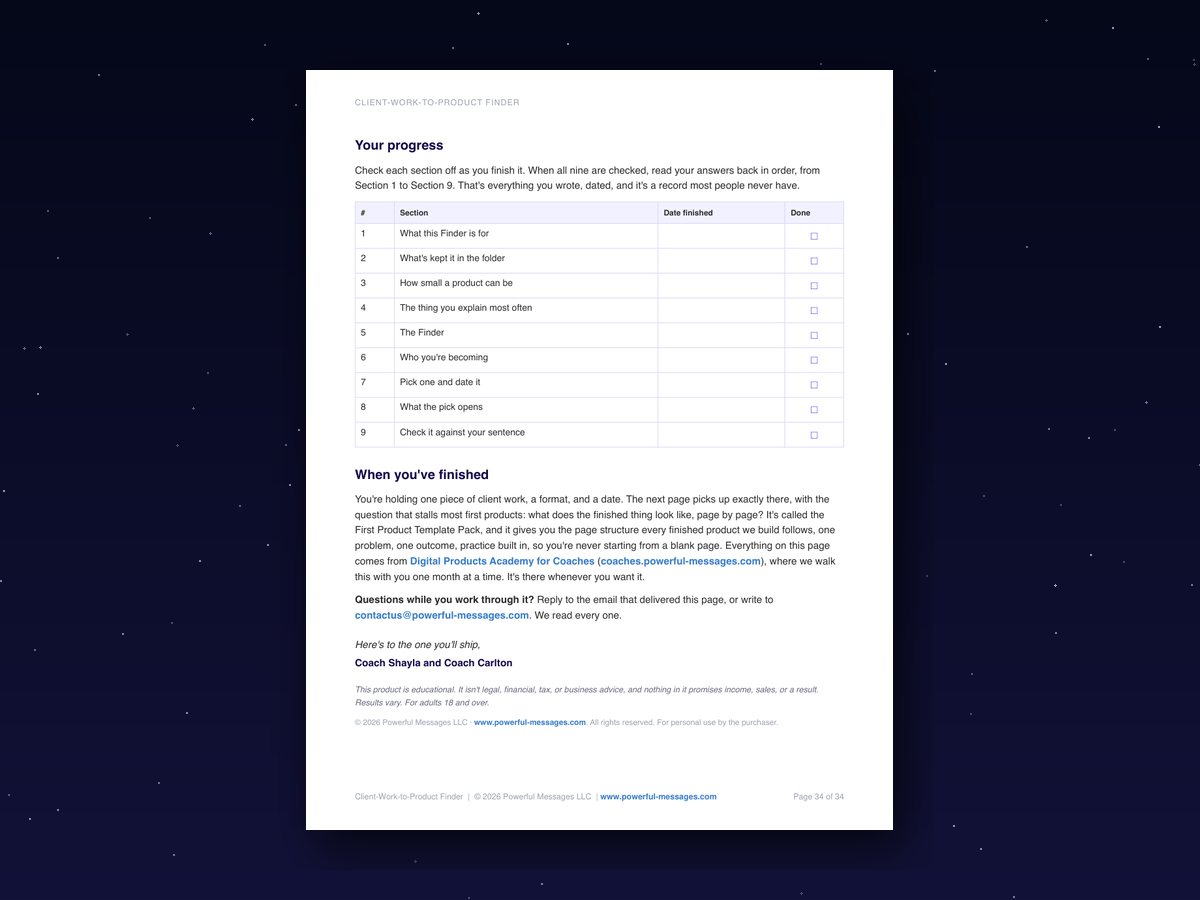
Your answers, all in one place. Every section's answer, date, and Done box, on one page.
Three free bonuses, so the page gets finished
If you've bought a guide like this before and never got past page two, these are for that. Each one is a page you keep next to the Client-Work-to-Product Finder. They come in the same email, a minute or two after you order.
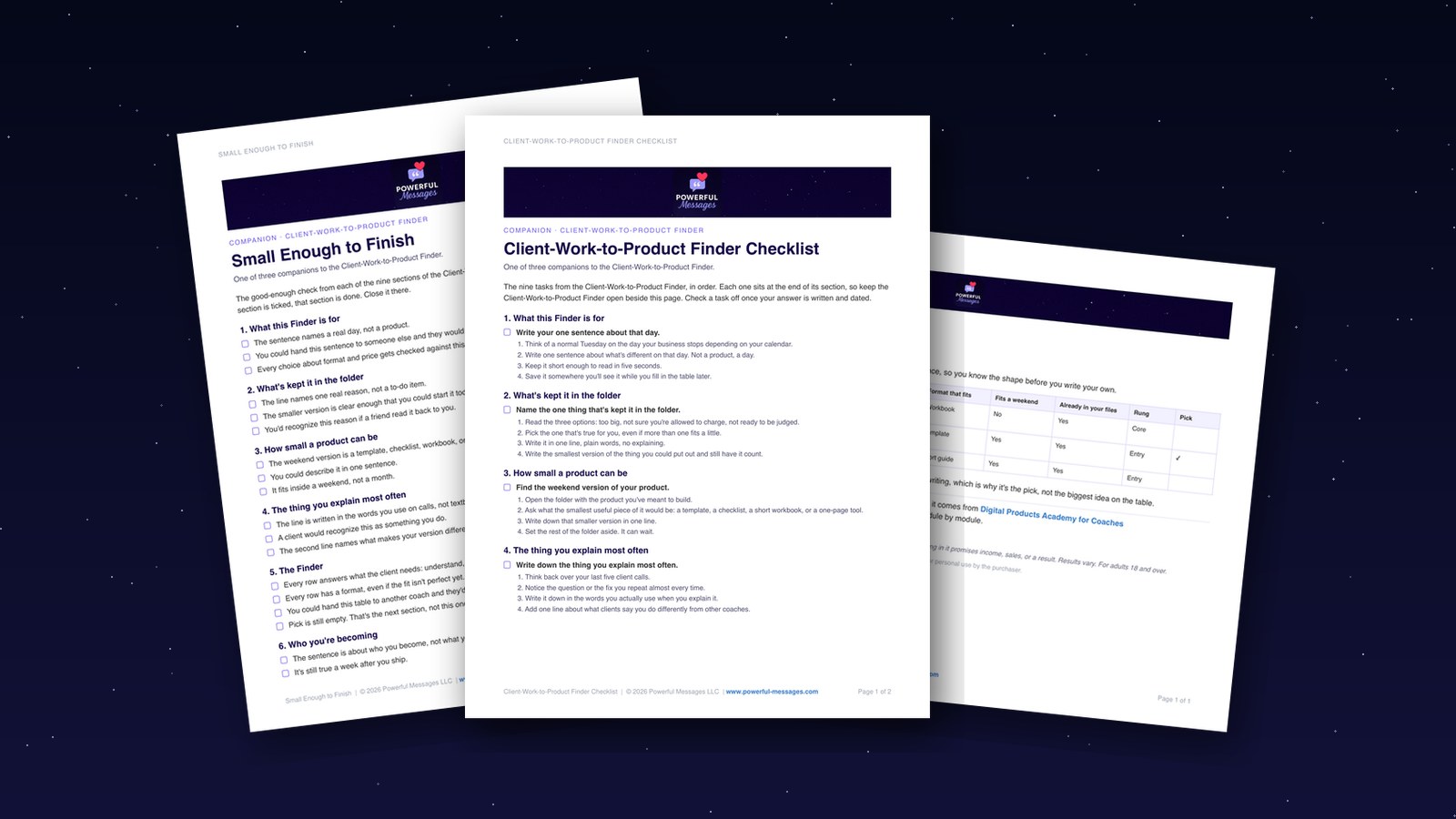
Client-Work-to-Product Finder Checklist
The nine tasks from the Client-Work-to-Product Finder, one per section, in order. Tick each one off once your answer is written and dated, so you always know where you stopped.
Filled Client-Work Finder
The Finder from Section 5, filled in by the coaches. Read it once so you know the shape before you write your own.
Small Enough to Finish
A good-enough check for each of the nine sections. When every box is ticked, that section is done, and you can close it without a second edit.

What changes when it's written down
- You stop asking "what product should I make," so that the question becomes "which piece of client work goes first," which has an answer.
- The course in the folder stops being proof that you don't finish things, so that you can open it without the low hum of guilt.
- One row has a date, so that next Saturday has a job and the other ideas stop competing for it.
- Your pick is checked against a sentence about your own life, so that you build the thing that gets your hours back, not the one that would sound good in a room full of other coaches.
This was built for you if…
- You've got paying clients, years of client work behind you, and nothing to sell that doesn't cost you an hour on a call.
- You've started a course, or planned one, and it's in a folder.
- You've bought a program or four on this already. You want a format and a deadline, not another one to read.
- You know your subject cold, and you're tired of the months being uneven.
- A weekend is what you have, and you'd like the first thing you build to fit inside one.
It isn't for you if…
- You want someone to tell you which platform or tool to use. The Finder doesn't recommend software.
- You're brand new to coaching and don't have client work behind you yet. The Finder builds from what you've already delivered.
- You want the biggest possible product first. That comes later, and it comes after this.

Meet the coaches behind it
We're Coach Shayla and Coach Carlton, the husband-and-wife team behind Powerful Messages. After decades in Fortune 500 corporate America, we know what it's like to be handed something new and unclear with your name on it. Coach Shayla and Coach Carlton each bring more than 20 years in their fields, People Analytics and enterprise sales, and a practical way of building things that hold. We built the Client-Work-to-Product Finder because the coaches we talk to aren't short on knowledge. They're short on a small enough first thing, and it's almost always sitting in their client files already.
Two options from here.
Keep the course in the folder and keep waiting for the free week: another quarter of opening it, scrolling past, and closing it before the guilt settles.
Or pick the first product from work you've already done: one row, one format, one Saturday. One afternoon. One piece of client work. A date next to it.
One afternoon. One piece of client work. A date next to it.
One payment. Yours to keep.
Get the Client-Work-to-Product Finder for $27$37 on its own · you save $10Get the Client-Work-to-Product Finder for $27
Your name, your email, and your card. Your links arrive by email a minute or two after you pay.
Everything you get today
- Client-Work-to-Product Finder your first product, picked from client work you've already done, with a date next to it (Notion page plus printable PDF)$37
- Free bonus: Client-Work-to-Product Finder Checklist the nine tasks, one per section, to tick off as you go$19
- Free bonus: Filled Client-Work Finder the coaches' worked example, so you know the shape before you write yours$27
- Free bonus: Small Enough to Finish when to call each section done and stop editing$19
| Total value | |
| Today | $27 |
One payment, no subscription. Instant access after payment.
I agree to the Terms and Privacy Policy, and to calls and texts about my order. Msg and data rates may apply. Reply STOP to opt out.
Questions people ask
I've bought things like this before and never finished them.
Most of them ask you to read. This one asks you to write one thing per section, and each section ends with a Done box. The Client-Work-to-Product Finder Checklist keeps your place and the Small Enough to Finish tell you when to stop. If it still isn't for you, the guarantee covers seven days.
Is one afternoon enough?
About two hours in all. Most sections are ten to fifteen minutes; the Finder table is about twenty. The point isn't speed. It's that the work is small enough to finish.
I'm not technical. Do I need to know Notion?
No. You click one icon to copy the page, then type into it. The free plan is enough. If you'd rather skip Notion, the PDF has the same nine sections with ruled space to write.
I don't have an audience yet. Does this still apply?
Yes. The Finder builds from client work, not from a list. Section eight covers the twenty people who already know your work.
What if I've already started a course?
Bring it. Section three asks you to open that folder and find the smallest useful piece of it. The first product is often already in there.
What's the PDF for?
Paper. Some people think better with a pen. Same content, laid out to print, with fill-in pages.
How long do I have access?
It's yours to keep. The Notion page copies into your own workspace, and the PDF is a file you download. Nothing expires.
Can I get a refund?
Yes. Work through it. If it isn't for you, email us within seven days and we'll refund it in full.
What happens after I buy?
An email from Powerful Messages arrives with your two links. Duplicate the Notion page, or print the PDF, and start at section one with your client folder open.
Next Tuesday, before your first call
You open your laptop and the folder called "course" is still there. It doesn't bother you the way it did. Beside it sits a page with your client work in a table, one row checked, Saturday's date next to it. The thing you're building this weekend already exists in a client file. You're cleaning it up, not inventing it.
Same calendar. Same clients. But there's one small thing moving that doesn't need you on a call, and for the first time you can point at it.
The first product already existed. Now it has a date.

One afternoon. One row picked. Saturday has a job.