
One afternoon, one dated page. The baseline your AI rollout is missing.
One payment. Instant access. A Notion page you copy plus a printable PDF.
From two coaches with more than 20 years each in People Analytics and enterprise sales.
Plus three free bonuses, included with your order.Scroll down to see them
By the end of one afternoon you're holding the page nobody on your team has: where the week goes right now, dated, in tasks and hours, with one sentence about where it should go. Nine short sections get you there, one thing to write in each, about two hours in all.
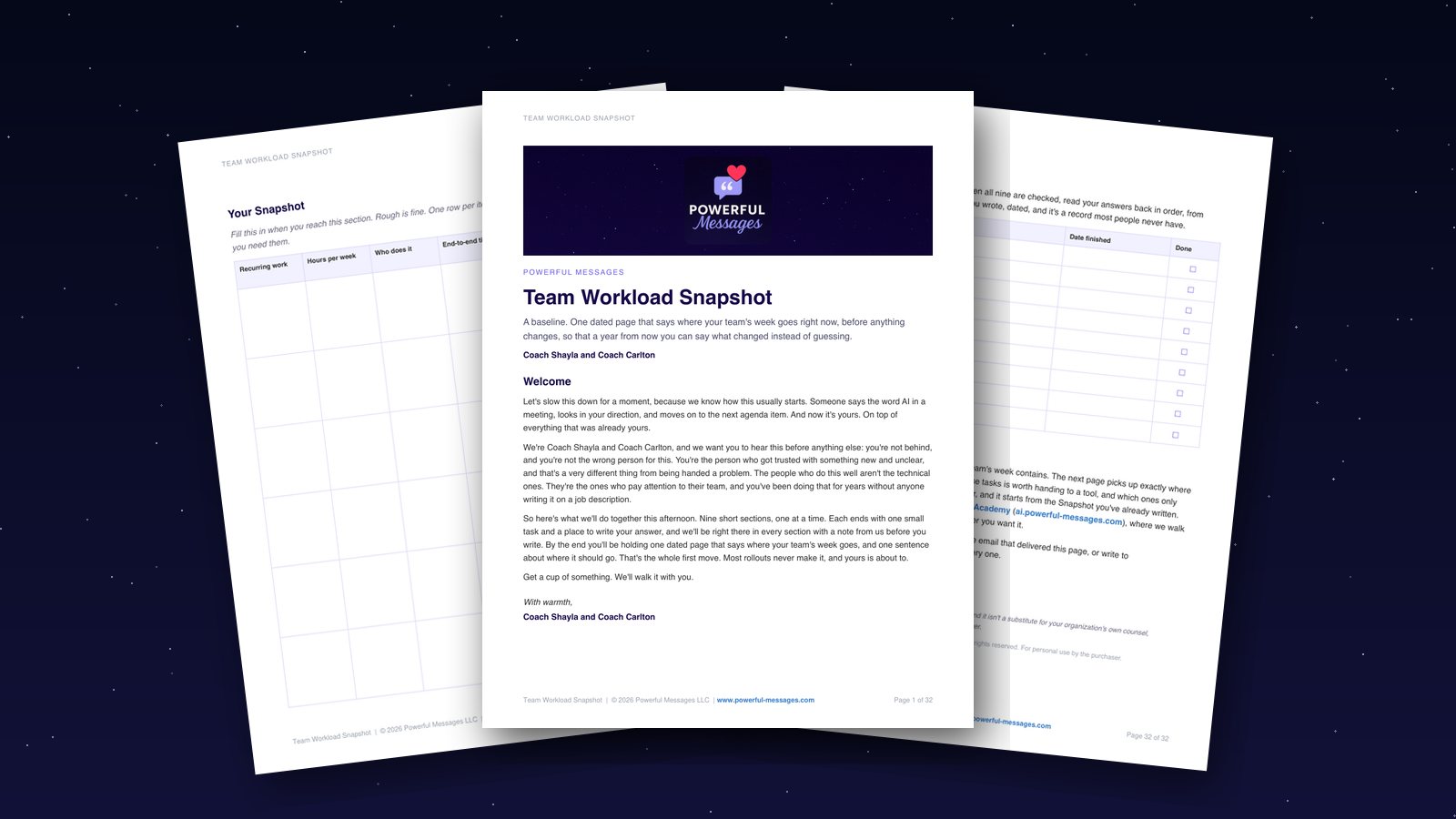
You already know how this started.
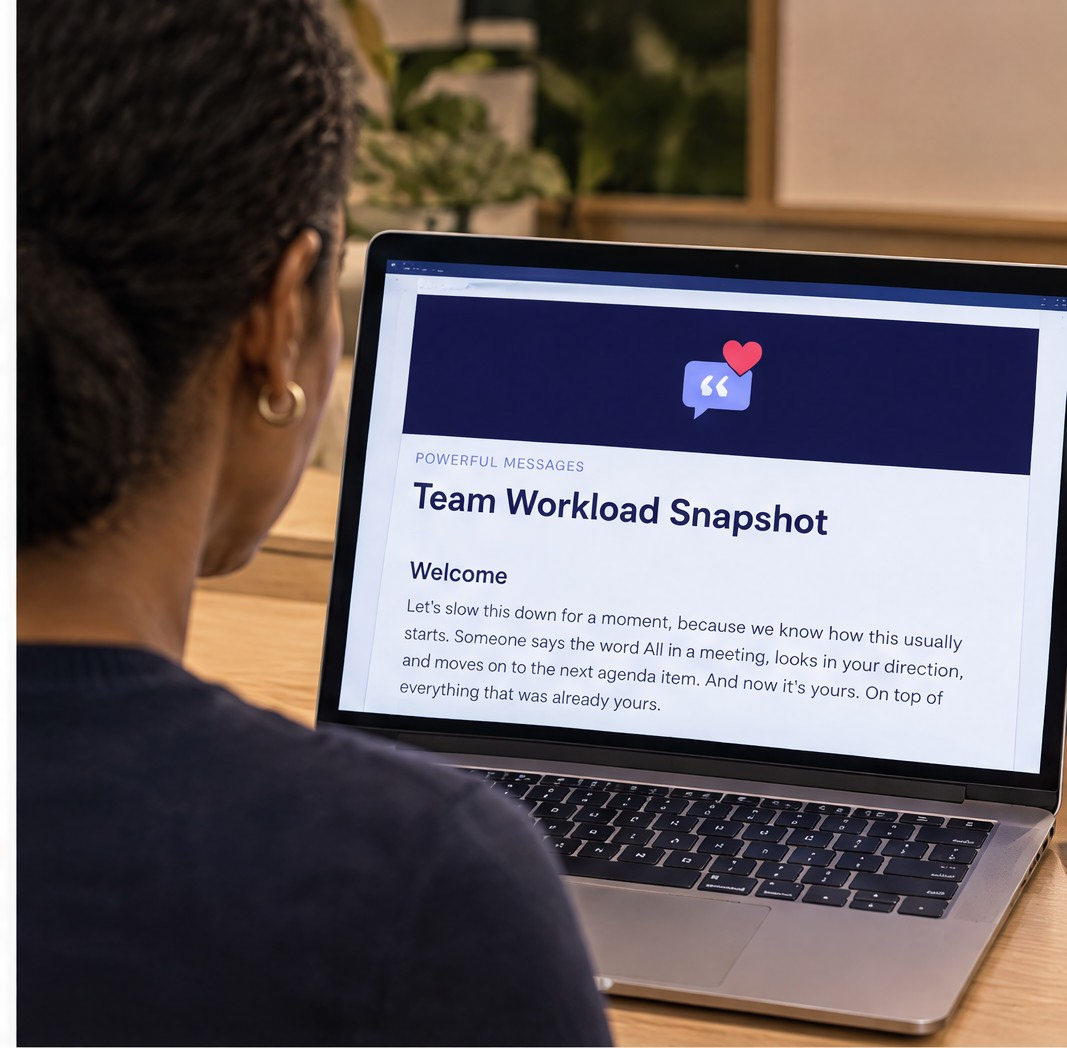
Someone said the word AI in a meeting, looked in your direction, and moved on to the next item. Nobody defined it. Nobody funded it. It's yours now, on top of everything that was already yours.
So you opened a document called something like "AI plan," and it stalled at the first line. Maybe you asked ChatGPT for an AI plan and got three pages that could be about any team on earth. Maybe someone forwarded a vendor's slide deck, and it's still in the folder, unopened since the week it arrived. Neither one knows what your team does on a Tuesday, so neither one can say what would change.
What would we even measure? There's no number, because nobody wrote down what the week looked like before anything changed.
We're Coach Shayla and Coach Carlton, and we've been in the room when someone asks what the rollout changed and the honest answer is a guess. That's how good programs lose their funding. Not from resistance or the wrong tool. From having no before to hold the after against.
You're not behind, and you're not the wrong person for this. Here's the shift that changes the assignment. This isn't a software rollout, it's a people program, and you've run those before. The hard part was never the technology. It's knowing what your team's work is, what people are quietly afraid of, and what a new way of working has to look like before anyone follows it. You do all three every week.
You've been waiting for someone above you to say what done looks like. Nobody's arriving with that, and honestly, nobody should. The person who defines success usually gets to meet it. So the first move is the same as in any people program: write down where things stand today, and date it. That's the whole Snapshot. Nobody hands a manager that first move, so it gets skipped, and everything after it floats.

Does this sound like your week?
- The licenses spreadsheet is open. Most of the names logged in once, in March, and never again.
- Your director asked for "a plan by the end of the month," and nobody has said what it's supposed to produce.
- Two people on your team already paste things into a free tool on their phones, and nobody has written a rule.
- Everyone in your feed sounds fluent. You've tried a couple of tools yourself, and that's the extent of it.
- You've started three versions of a proposal. Each one stalls at the same line: what would we even measure?
The problem isn't that you haven't tried. It's that you're being asked to plan for change with no mandate, no defined outcome, and no picture of where the work goes today.
So it's tempting to keep researching until you feel ready. But more research doesn't create the missing baseline. Months from now you could have new tools, new workflows, and plenty of activity, and still be answering the one question that matters from memory: what actually changed?
You don't need a tool recommendation. You need a dated page that says where the week goes right now.
The page that lets you answer "what did it change?"
Before you choose another tool or write another AI plan, capture where your team's week goes today, so there's something real to measure against when things change.
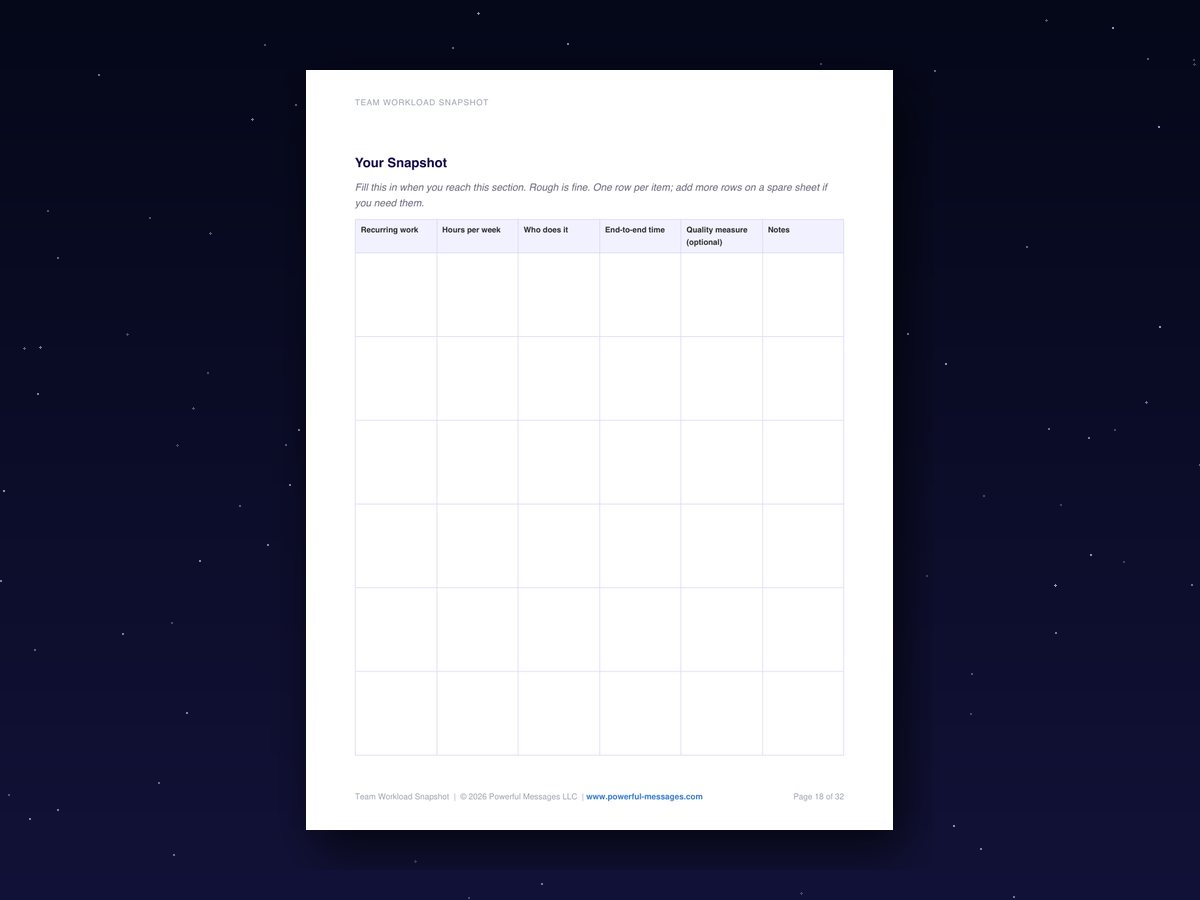
The Snapshot is a table that sorts the week for you: recurring work, rough hours for each piece, who does it, how long the main outputs take end to end, and a quality measure if you already track one. Dated at the top. Readable by someone who isn't you.
It's the document rollouts skip, and it's why so many can't prove anything later. A year from now, when someone asks what the tools changed, this page is the only thing that can answer.
It isn't a tool pick, a strategy deck, or a policy. Those come later, and every one of them is easier with this page underneath it.
It also names no tool. There's nothing in it for IT to approve, legal to review, or an executive to say no to. It's a description of the week, and that's why it's the one page that gets read.
Here's how the Team Workload Snapshot works
Buy it, then check your inbox.
An email from Powerful Messages arrives with your links.
Make it yours.
Open the Notion page and click Duplicate in the top right. The free plan is enough. Prefer paper? The PDF is at the top of the page.
Work through nine short sections.
Tuesday at two, door closed, Section 1 open: one sentence about a better Tuesday, and the first one is done. Each section ends with one thing to write and a button that marks it done. Most take ten to fifteen minutes. The Snapshot itself takes about twenty.
Read your answers back.
All nine collect on the main page, dated, with a Done box for each. That's your afternoon on one page.
Notice, along the way:
- By Section 3, "client communications" has turned into five tasks with hours next to each.
- By Section 5, the table has more rows than you expected, and one of them surprises you.
- By Section 9, you can say in one line how far today is from the Tuesday you wrote down.
Everything inside the Team Workload Snapshot
Not a folder of information. One thing to finish, in order, with a note from us before every task.
What this afternoon produces
You set the target before anyone hands you one. One dated sentence about a better Tuesday, a year out.
What's most likely to stop you
This page gets finished, unlike the last three. You name the one thing that would stop it and put a ninety-minute block on the calendar that answers it.
Tasks, not job areas
The week shows up as work, not job areas. The page splits "client communications" into the five tasks hiding inside it.
Licenses aren't adoption
"My team won't adopt anything" stops running the plan. You write what happened last time twice: once as it felt, once as a fact about the rollout, with what was announced, what was taught, and what reason was given.
The Snapshot
The week stops being a feeling and becomes a table someone else can read: recurring work, hours, who does it, end-to-end time, a quality measure if you have one. Three starter rows show the shape.
Who you're becoming
You're not becoming the AI person. You're becoming the person who writes things down before anything changes. One sentence, and it's yours.
The good enough check
You close the document instead of polishing it for a month. One reader, real or imagined: would they recognize the week in it? Date it and stop.
What the Snapshot opens
You can finally have the conversation with the person who handed you this. Two things you can do today that you couldn't yesterday, written down.
Check it against Tuesday
The first honest measurement in this rollout is yours. Your better-Tuesday sentence next to the finished page, and the distance between them in one line.
Your own Notion copy
One click on Duplicate and the whole page is yours. Type straight into it. Nothing you write is visible to anyone but you.
Printable PDF
The same nine sections laid out to print, with ruled space to write and a blank Snapshot on the last page.
Take a look inside
Press play for a quick look inside.
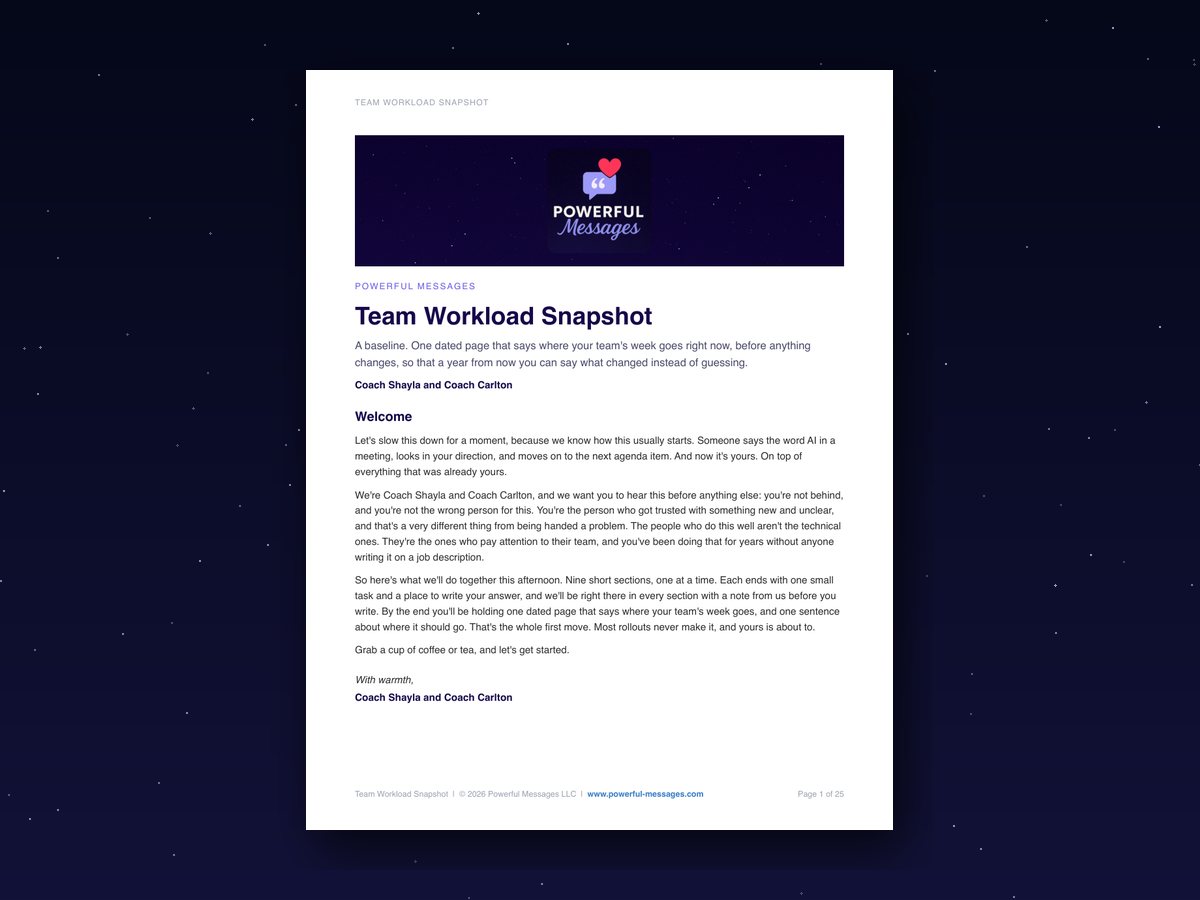
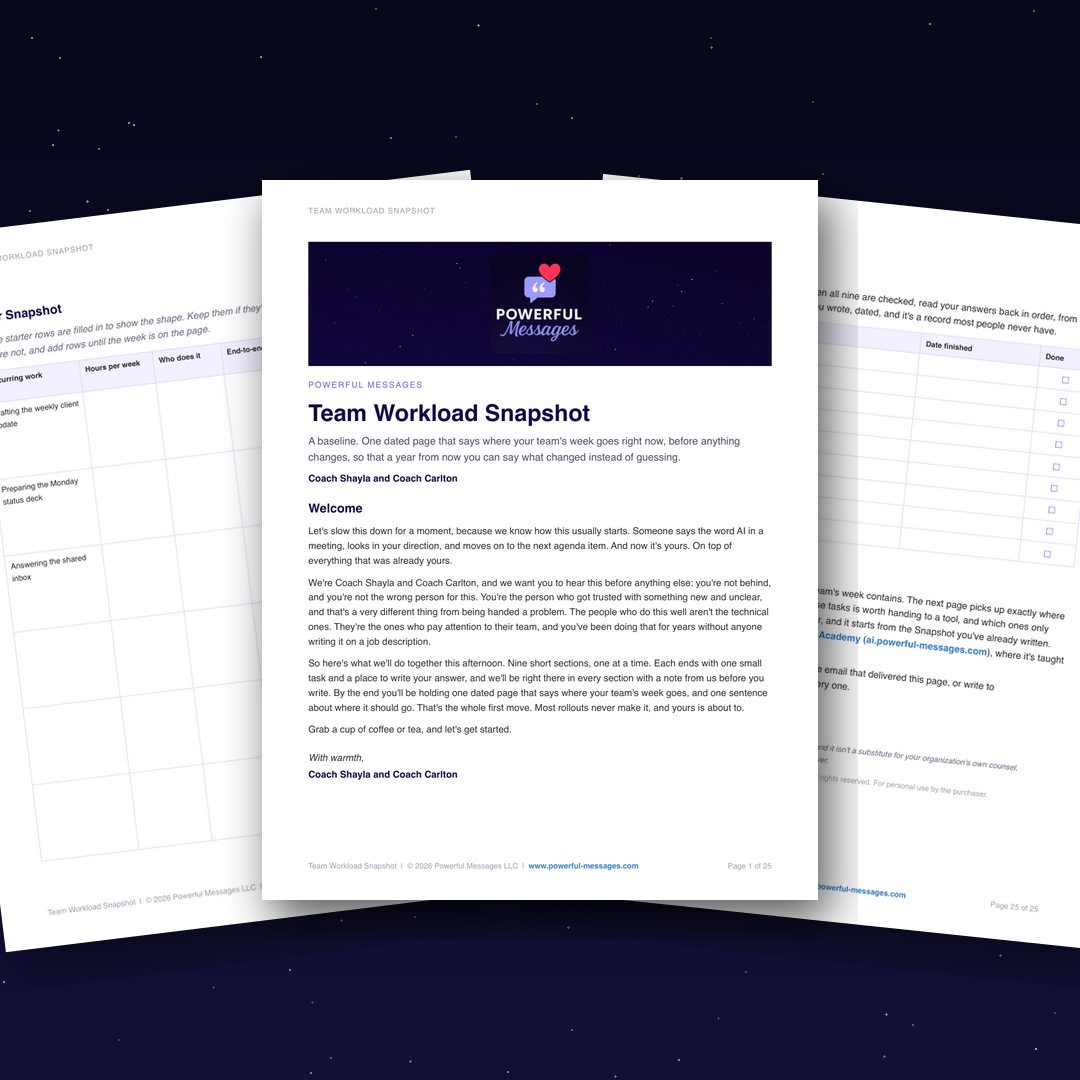
The first page, with the welcome note from Coach Shayla and Coach Carlton.
The Snapshot page. Six columns, room for the whole week.
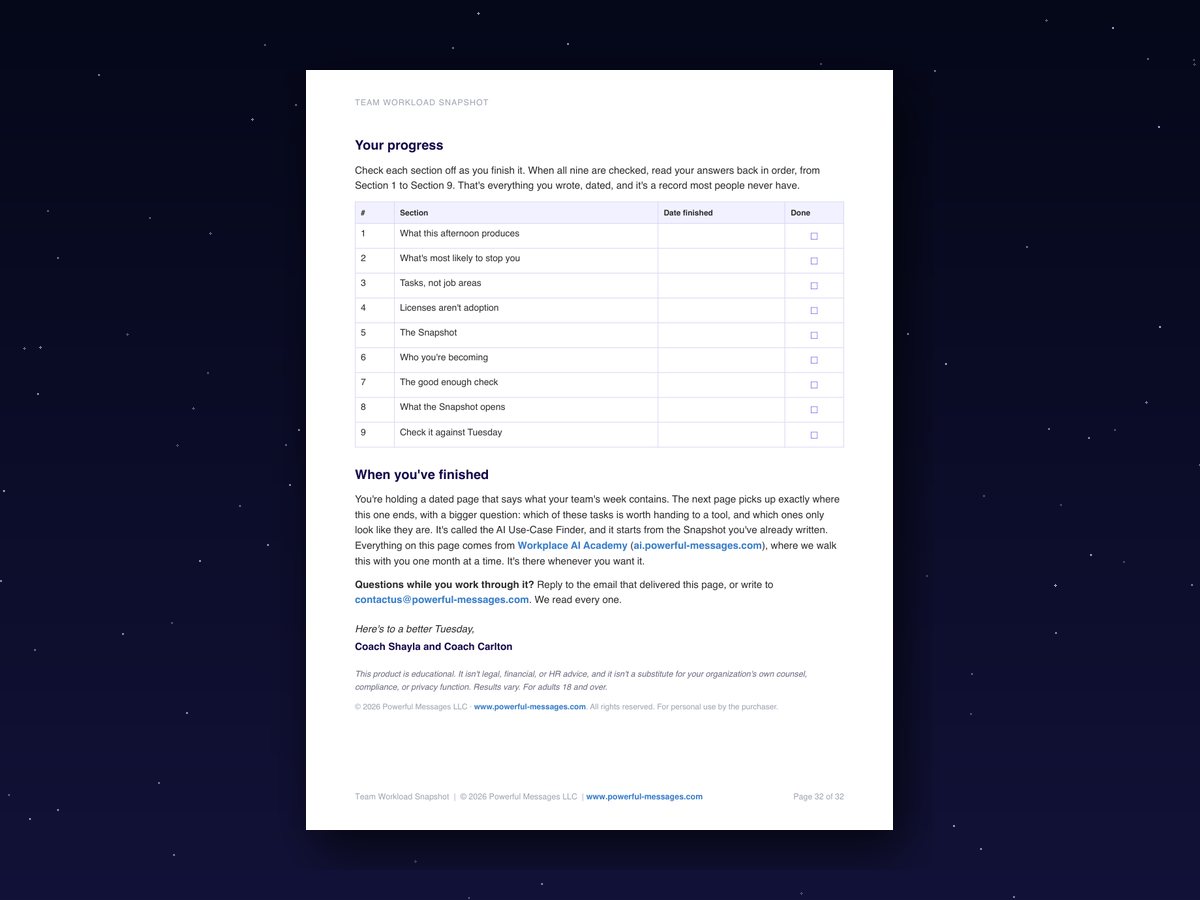
The last page, where all nine sections collect with a date and a Done box.
Three free bonuses, so the page gets finished
If you've bought a guide like this before and never got past page two, these are for that. Each one is a page you keep next to the Team Workload Snapshot. They come in the same email, a minute or two after you order.
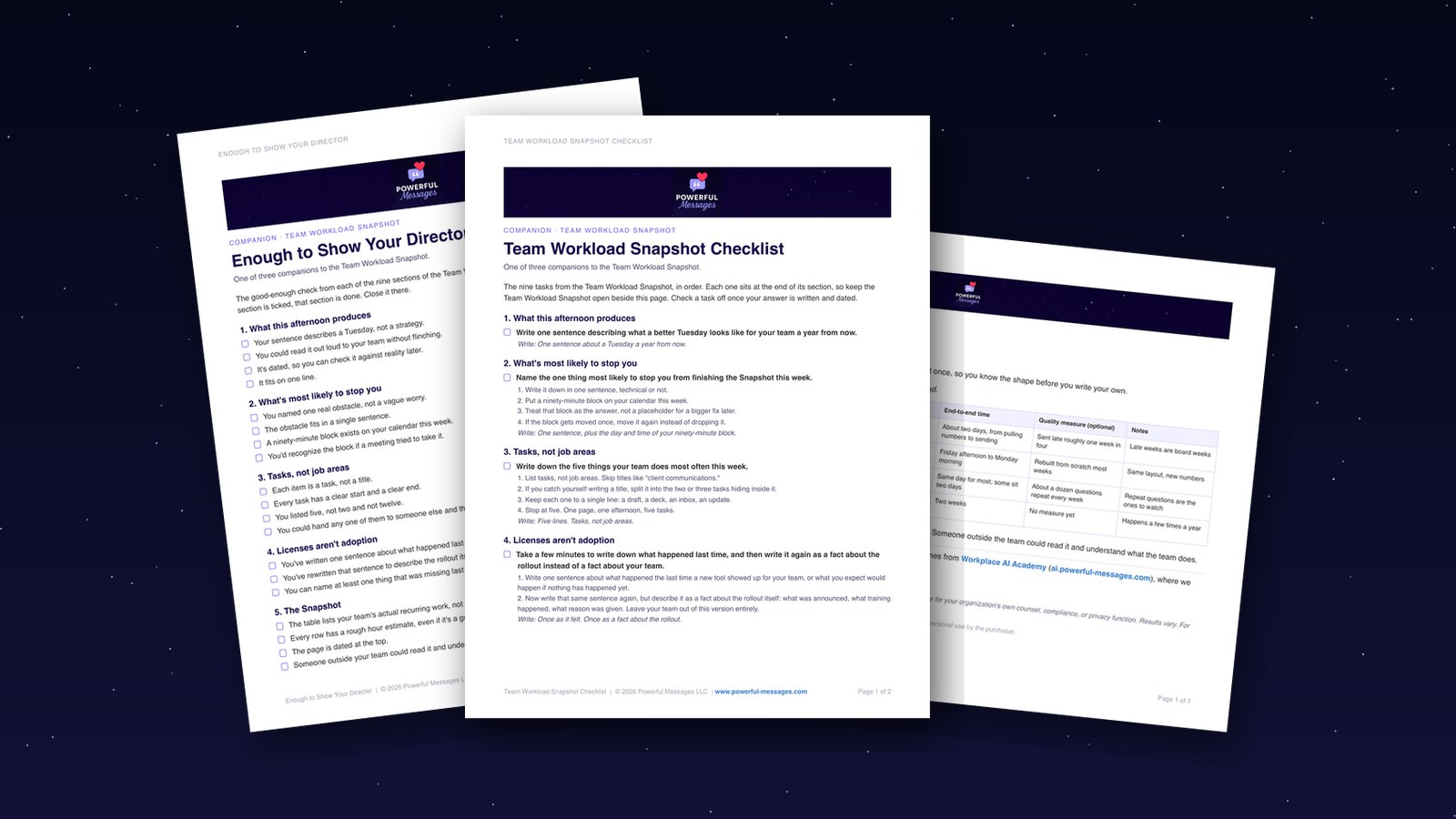
Team Workload Snapshot Checklist
The nine tasks from the Team Workload Snapshot, one per section, in order. Tick each one off once your answer is written and dated, so you always know where you stopped.
Filled Snapshot
The Snapshot from Section 5, filled in by the coaches. Read it once so you know the shape before you write your own.
Enough to Show Your Director
A good-enough check for each of the nine sections. When every box is ticked, that section is done, and you can close it without a second edit.
What changes when it's written down
- The page is dated, so that a year from now you can say what changed instead of estimating.
- One sentence about a better Tuesday sits at the top, so that you set the target instead of waiting for a mandate that isn't coming.
- What happened last time is written as a fact about the rollout, so that "my team won't adopt anything" stops running the plan.
- Nine answers in one place, so that the person who handed you this gets a page instead of an opinion.
This was built for you if…
- You manage a team, a function, or a practice, and "figure out AI" landed on you on top of the job you already have.
- You can recommend but not decide, so you need something IT, legal, or a skeptical executive can read.
- You've watched a tool go out and get quietly ignored, and you'd rather the next attempt hold.
- People on your team already use AI on their own, and you'd rather point that at real work than pretend it isn't happening.
- You'd take one plain page over a forty-slide strategy.
It isn't for you if…
- You want a tool recommendation. This page won't name one, on purpose.
- You want someone to write it for you. It's your team's week, in your words, and it takes about two hours.
- You want to build something technical or become the AI person. That's different work.

Meet the coaches behind it
We're Coach Shayla and Coach Carlton, the husband-and-wife team behind Powerful Messages. After decades in Fortune 500 corporate America, we know what it's like to be handed something new and unclear with your name on it. Coach Shayla and Coach Carlton each bring more than 20 years in their fields, People Analytics and enterprise sales, and a practical way of building things that hold. We built the Team Workload Snapshot because every rollout we watched stall skipped the same page: where the week went before anything changed.
Two options from here.
Keep trying to solve the whole AI assignment at once: wait for the right tool, a clearer mandate, or the day you finally feel you know enough.
Or make the first move with what you already know: your team, their work, and where the week goes right now. One afternoon. One dated starting point. Something real to work from before anything changes.
Before anything changes, write down where the week goes.
One payment. Yours to keep.
Get the Team Workload Snapshot for $27$37 on its own · you save $10Get the Team Workload Snapshot for $27
Your name, your email, and your card. Your links arrive by email a minute or two after you pay.
Everything you get today
- Team Workload Snapshot your team's baseline, dated, in one afternoon (Notion page plus printable PDF)$37
- Free bonus: Team Workload Snapshot Checklist the nine tasks, one per section, to tick off as you go$19
- Free bonus: Filled Snapshot the coaches' worked example, so you know the shape before you write yours$27
- Free bonus: Enough to Show Your Director when to call each section done and stop editing$19
| Total value | |
| Today | $27 |
One payment, no subscription. Instant access after payment.
I agree to the Terms and Privacy Policy, and to calls and texts about my order. Msg and data rates may apply. Reply STOP to opt out.
Questions people ask
I've bought things like this before and never finished them.
Most of them ask you to read. This one asks you to write one thing per section, and each section ends with a Done box. The Team Workload Snapshot Checklist keeps your place and the Enough to Show Your Director tell you when to stop. If it still isn't for you, the guarantee covers seven days.
Is one afternoon enough?
About two hours, in nine short sections. Most take ten to fifteen minutes. The Snapshot itself takes about twenty, and it's a natural place to stop and come back tomorrow.
I'm not technical. Is that a problem?
No, and neither is the page. It asks what your team does, roughly how long each piece takes, and who does it. If you can run a Monday meeting, you can fill this in.
Do I need Notion?
No. The PDF has the same nine sections if you'd rather skip it. If you do use Notion, the free plan is enough: open the page, click Duplicate, and it's yours.
What if my team won't use AI anyway?
That's Section 4. You write what happened last time as a fact about the rollout, not about your team. The first attempt tells you nothing about what a scoped attempt with training and a clear reason would do.
What's the PDF for?
Some people think better on paper. Some need something to put on a director's desk. Same sections, same table, printed.
How long do I have access?
It's yours to keep. The Notion page copies into your own workspace, and the PDF is a file you download. Nothing expires.
Can I get a refund?
Yes. 7-Day Guarantee. Work through it. If it isn't for you, email us within seven days for a full refund.
What happens after I buy?
An email from Powerful Messages arrives with your links. Open the Notion page, click Duplicate, and start at Section 1. The PDF is attached at the top of the page.
Next Tuesday, same meeting.
Someone says the word AI again and looks your way. This time you slide one page across the table. It says what your team's week contains, in tasks and rough hours, dated, with one sentence about where it should go. Nobody else in the room has that page.
The before is yours.
Same responsibilities. Same full week. Different footing, because the first move is done and it's dated.
One afternoon. One dated page. Your first useful move is done.